
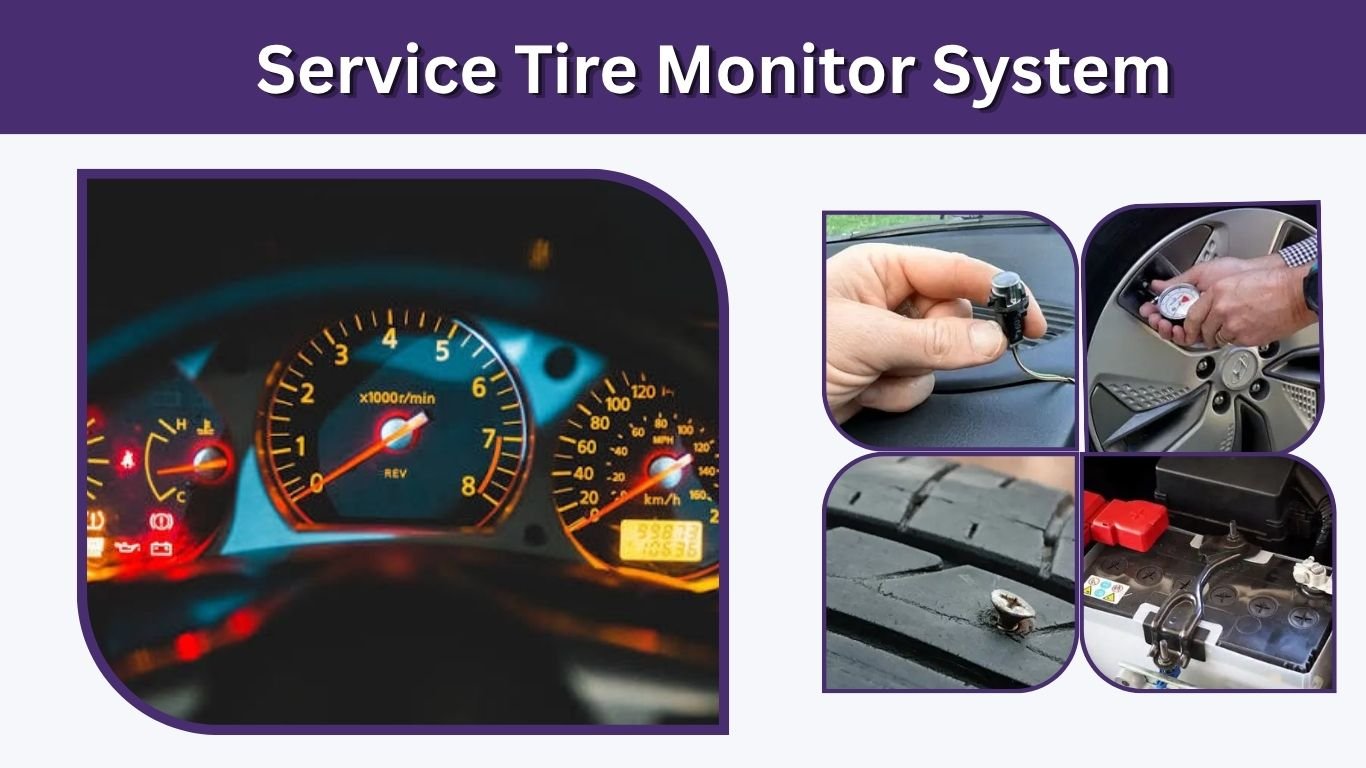
Seeing a Service Tire Monitor System message on your dashboard can be confusing, especially if your tires do not look flat. This warning usually means your vehicle’s tire pressure monitoring system, also called TPMS, has detected a problem with tire pressure readings or with the monitoring system itself. It is common on Chevy, GMC, Buick, Cadillac, and other vehicles. The message should not be ignored because tire pressure affects safety, tire wear, handling, and fuel economy.
What Does Service Tire Monitor System Mean?
The Service Tire Monitor System message means the vehicle cannot properly monitor one or more tires, or it has found a tire pressure-related fault. It is different from a simple low tire pressure warning. A low tire light often means one tire needs air, while a service message may point to a bad sensor, dead sensor battery, lost sensor signal, or a system relearn issue.
Modern vehicles use TPMS to warn drivers when a tire is significantly underinflated. NHTSA notes that TPMS warnings activate when a tire is significantly low, but drivers should still check tire pressure monthly with a gauge.
Service Tire Monitor System vs Low Tire Pressure Light
| Dashboard Message | What It Usually Means | Common Action |
| Low Tire Pressure | One or more tires may be underinflated | Check and inflate tires |
| Service Tire Monitor System | TPMS system has a fault or cannot read correctly | Check sensors, relearn system, or scan codes |
| Flashing TPMS Light | Possible TPMS malfunction | Inspect sensors and system |
| Tire Pressure Not Showing | Sensor may not be communicating | Relearn or replace sensor |
A low tire warning is usually easier to solve. You check the pressure, add air, drive for a short time, and the light may turn off. A service tire monitor system warning may stay on even after all tires are filled correctly.
Why the Service Tire Monitor System Light Comes On
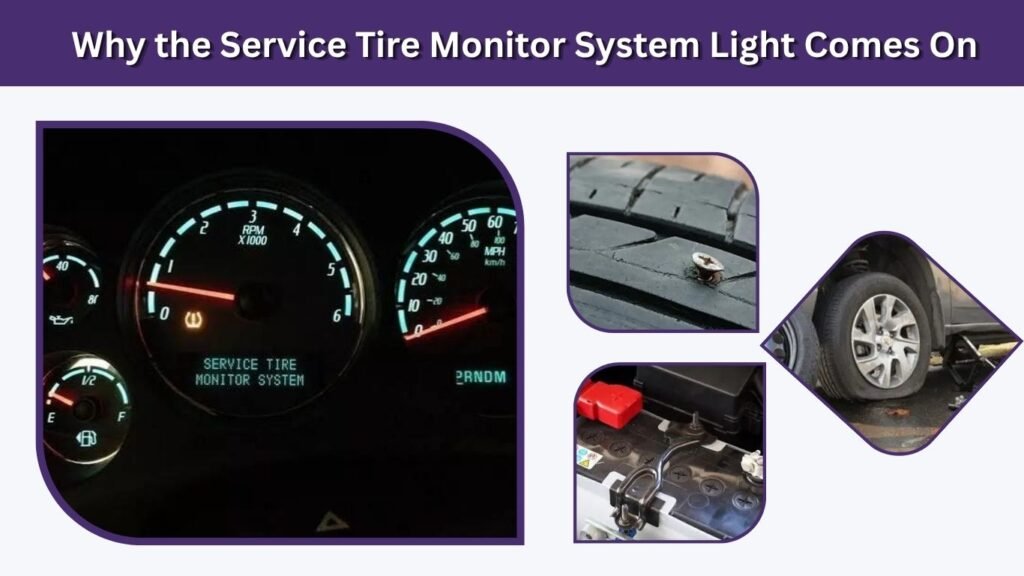
This message can appear for several reasons. Some are simple, while others require a tire shop or mechanic. The TPMS must also include a malfunction indicator to alert the driver when the system is not operating properly and may not provide the required low-pressure warning.
Common Causes
- Low tire pressure: A tire may be low because of temperature changes, a slow leak, nail, damaged valve stem, or normal air loss.
- Faulty TPMS sensor: Each wheel may have a sensor that sends pressure data to the vehicle.
- Dead sensor battery: Many TPMS sensors use sealed batteries. When the battery dies, the sensor usually needs replacement.
- Tire rotation without relearn: Some vehicles need the sensor positions relearned after tire rotation.
- New tires or wheels: If a sensor was damaged, removed, or not programmed, the system may show a warning.
- Spare tire issue: Some vehicles monitor the spare tire, and a low or faulty spare sensor may trigger the message.
- Signal problem: Radio interference, damaged wiring, or a receiver issue can stop the system from reading sensors.
On many TPMS sensors, the battery is sealed inside the sensor and cannot be replaced separately, so a dead sensor battery often means replacing the whole sensor.
Is It Safe to Drive With a Service Tire Monitor System?
You may be able to drive with the message on, but you should not assume your tires are safe. The warning means your car may not be able to alert you if a tire becomes dangerously low. Low tire pressure can affect handling, braking distance, fuel economy, and tire wear. The Tire Industry Association explains that TPMS helps drivers maintain proper tire pressure, which supports safety, handling, braking distance, and fuel economy.
What to Do Before Driving
- Check all four tires with a tire pressure gauge.
- Check the spare tire if your vehicle monitors it.
- Inflate tires to the pressure listed on the driver-side door placard, not the number printed on the tire sidewall.
- Look for nails, cuts, bulges, or visible damage.
- Avoid high speeds if a tire is low or the vehicle feels unstable.
- Visit a tire shop if the warning stays on after pressure is corrected.
If the tire is visibly flat, do not keep driving. Stop safely and use the spare, repair kit, or roadside assistance.
How to Fix Service Tire Monitor System
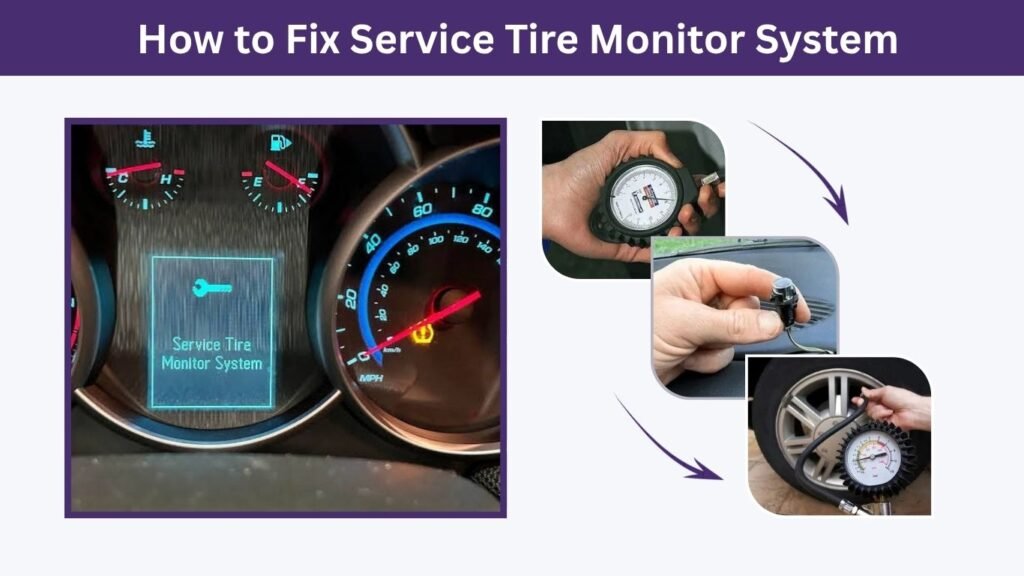
Fixing the warning depends on the cause. Start with basic checks before replacing parts. Many drivers replace sensors too quickly when the issue is only low air pressure or a relearn problem.
Step-by-Step Fix
- Check tire pressure cold
Measure tire pressure before driving or after the vehicle has been parked for a few hours. - Inflate to the correct PSI
Use the pressure listed on the tire information label inside the driver-side door area. - Drive for several minutes
Some vehicles need a short drive before the TPMS updates. - Reset or relearn the system
If the message appears after tire rotation, sensor replacement, or wheel service, the TPMS may need relearning. - Scan for TPMS codes
A repair shop can scan the TPMS module and identify which sensor is not responding. - Replace bad sensors
If a sensor battery is dead or the sensor is damaged, replacement may be required. - Program the new sensor
New sensors often need to be programmed or matched to the vehicle.
Service Tire Monitor System on Chevy and GMC Vehicles
Many keyword searches mention Chevy Service Tire Monitor System, GMC Service Tire Monitor System, Chevy Equinox, Chevy Cruze, Chevy Traverse, Chevy Malibu, GMC Terrain, and GMC Acadia. These vehicles often use direct TPMS sensors mounted at the wheels. When one sensor fails or loses communication, the dashboard may show a service message instead of only a low-pressure light.
Chevy and GMC Models Commonly Searched
| Vehicle | Common Search Intent |
| Chevy Equinox | Meaning, reset, sensor relearn |
| Chevy Cruze | Warning message, sensor replacement |
| Chevy Traverse | Service tire monitor system fix |
| Chevy Malibu | Light stays on after tire inflation |
| Chevy Silverado | TPMS reset and sensor issue |
| GMC Terrain | Reset and relearn process |
| GMC Acadia | Sensor fault or tire pressure display issue |
| Buick Enclave | Similar GM TPMS warning message |
For Chevy and GMC vehicles, the repair process often depends on model year. Some vehicles relearn automatically after driving. Others require a TPMS relearn tool, dashboard menu sequence, key cycle, or a shop scan tool.
How to Reset Service Tire Monitor System
A reset is useful when the tires are properly inflated but the warning remains. However, a reset will not fix a dead sensor, damaged valve stem, broken receiver, or tire leak.
Basic Reset Methods
- Drive reset: Inflate all tires correctly, then drive for 10–20 minutes.
- Dashboard menu reset: Some vehicles have a tire pressure menu where you can start relearn mode.
- TPMS relearn tool: Many GM vehicles need a relearn tool to activate each sensor in order.
- Shop scan reset: A tire shop or mechanic can reset and test the system with professional equipment.
If the light keeps returning after reset, the vehicle likely has an actual TPMS fault.
Why the Light Flashes or Blinks
A flashing or blinking TPMS light often points to a system malfunction rather than simple low tire pressure. The light may flash when you start the vehicle and then stay on. This can happen when one or more sensors stop communicating.
Possible Reasons for Flashing
- A sensor battery is dead.
- A sensor was damaged during tire service.
- A new sensor was installed but not programmed.
- Wheels were changed without compatible sensors.
- The TPMS receiver or module has a problem.
- The vehicle cannot match sensor locations.
A flashing light should be checked soon because the system may not warn you if a tire loses air while driving.
Can You Fix It Yourself?
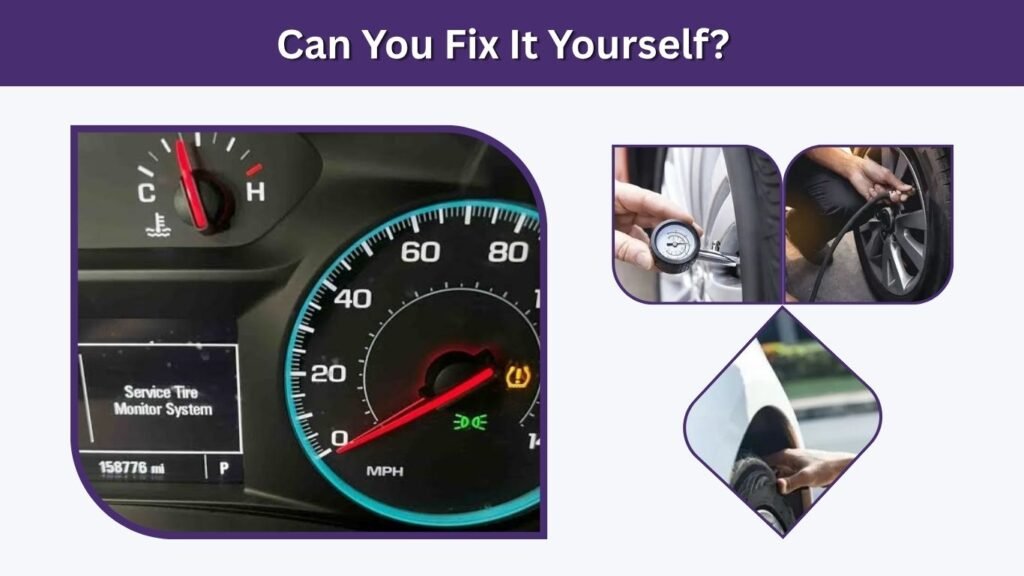
You can fix simple causes yourself, but not every TPMS problem is DIY-friendly. Checking pressure and adding air is easy. Resetting some vehicles is also simple. But sensor replacement usually requires removing the tire from the wheel, installing the sensor, sealing the tire, balancing the wheel, and programming the sensor.
DIY-Friendly Tasks
- Check tire pressure.
- Inflate tires correctly.
- Inspect for visible tire damage.
- Check the spare tire pressure.
- Try the owner’s manual reset process.
- Drive briefly after inflation to allow the system to update.
When to Visit a Mechanic
Visit a mechanic or tire shop if the message stays on after pressure correction, the tire pressure display shows dashes, the TPMS light flashes, or the warning appeared after new tires were installed. A shop can test each sensor, check battery status, read TPMS codes, and relearn the system.
How Much Does It Cost to Fix?
The cost depends on the vehicle and the failed part. A simple tire inflation may cost nothing. A TPMS relearn may be inexpensive at a tire shop. Replacing one sensor usually costs more because the tire may need to be removed and remounted. If multiple sensors are old, a shop may recommend replacing all sensors together, especially if they are the same age.
Common Repair Cost Factors
- Number of sensors replaced
- Vehicle make and model
- Sensor type and compatibility
- Labor for tire removal and balancing
- Whether programming is required
- Whether the issue is a sensor, module, or wiring fault
The cheapest fix is correcting tire pressure. The most expensive fix is replacing multiple sensors or repairing the TPMS control module.
How to Prevent the Service Tire Monitor System Message
Preventing TPMS issues starts with regular tire care. Do not wait for the warning light before checking pressure. Tire pressure changes with temperature, driving, and slow leaks.
Prevention Tips
- Check tire pressure once a month.
- Check pressure before long trips.
- Use the recommended PSI from the door placard.
- Replace valve stems or service kits during tire replacement when needed.
- Ask the shop to relearn TPMS after tire rotation if required.
- Avoid hitting potholes and curbs.
- Replace old sensors before they fail if they are near the end of their battery life.
FAQs
What does Service Tire Monitor System mean?
It means your vehicle has detected a problem with the tire pressure monitoring system or cannot read tire pressure correctly from one or more sensors. It may be caused by low pressure, a bad sensor, dead sensor battery, damaged valve stem, or a system relearn issue.
Can I drive with the Service Tire Monitor System light on?
You can usually drive a short distance if all tires are properly inflated and not damaged. However, the system may not warn you about low tire pressure while the warning is active. Check tire pressure manually and repair the issue soon.
How do I clear the Service Tire Monitor System message?
First, check and inflate all tires to the correct PSI. Then drive for several minutes. If the warning remains, use the vehicle’s TPMS reset or relearn procedure. If it still stays on, a sensor may need testing or replacement.
Why does my Chevy say Service Tire Monitor System?
Many Chevy vehicles show this message when a TPMS sensor stops communicating, a tire is low, sensors were not relearned after rotation, or a sensor battery is dead. Chevy Equinox, Cruze, Malibu, Traverse, and Silverado owners commonly search for this issue.
Will replacing tires fix the Service Tire Monitor System warning?
Not always. New tires alone will not fix a bad TPMS sensor unless the sensor is also replaced or properly installed. If the warning appeared after new tires, the sensor may have been damaged, not programmed, or not relearned correctly.